Key takeaways
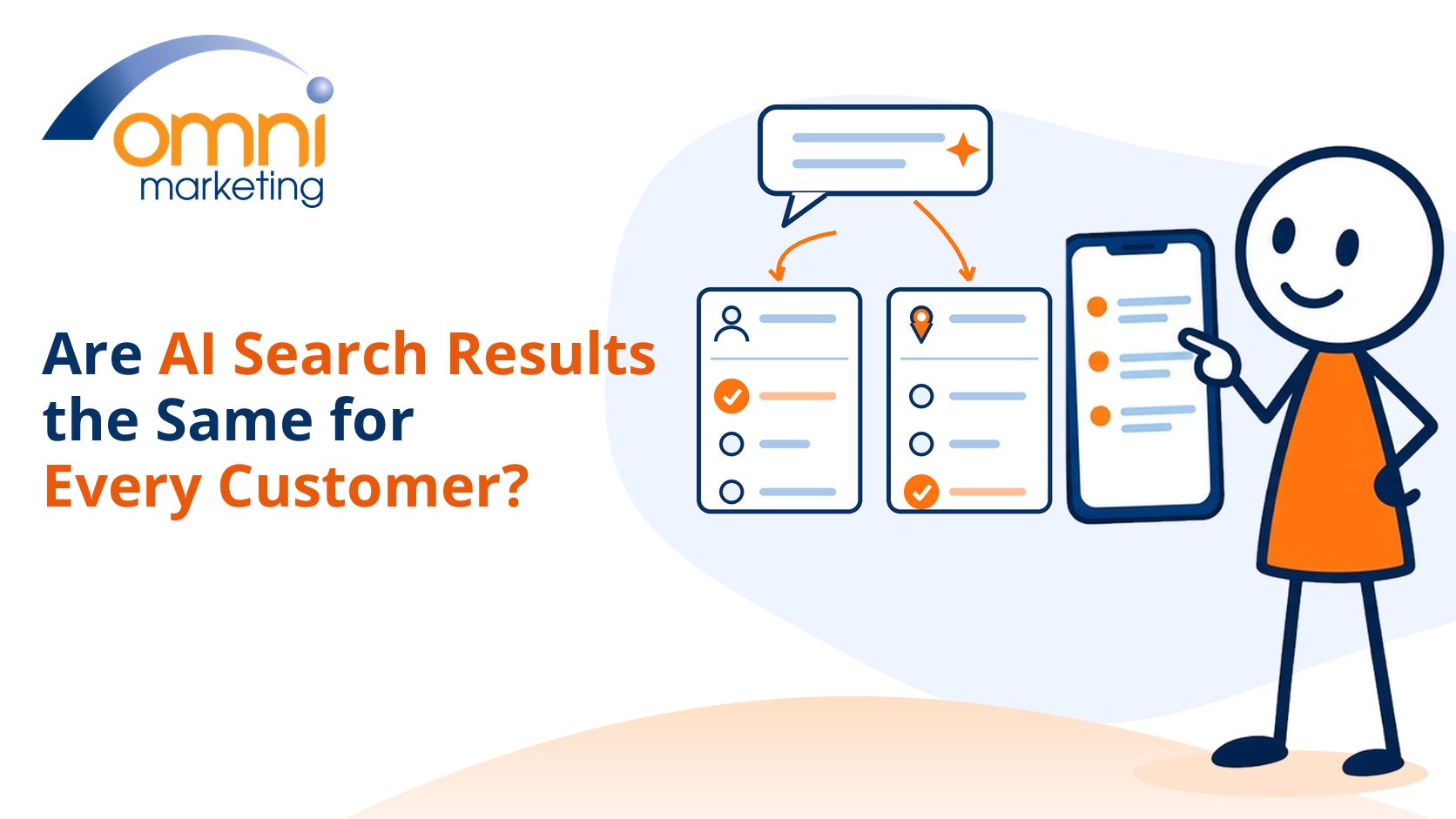
- AI search results are not the same for every customer. Two people can ask the same question and see different answers.
- Location is one of the biggest factors. Google and ChatGPT both use the area a person is searching from.
- Account settings matter too. Signed-in search history, saved memories and custom instructions can shape what someone sees.
- Wording and conversation context change the answer, because AI tools turn a question into their own searches.
- Your own check is one view, not every customer's view. Test with customer-like conditions and record them.
- You cannot control each customer's settings. You can keep your public business facts clear and consistent.
If you run an accountancy practice or an established local business, you may already have asked ChatGPT or Google who it recommends for your service. Perhaps you were pleased with the answer. Perhaps you were not. Either way, it is natural to assume that what you saw is what your customers see.
That assumption is worth testing. AI visibility is about whether your business is found, understood and trusted when customers use AI to look for help. If that idea is new, start with what AI visibility actually means for a local business. This article looks at one practical question within it: whether the answer changes depending on who is asking.
Direct answer
No. AI search results can differ from one customer to the next. Google and ChatGPT both use the area a person is searching from, and signed-in history, saved memories and the wording of the question can change the answer too. Treat your own check as one view, and test the way real customers search.
Watch the guide
Are AI search results the same for every customer?
Prefer to watch? This short guide explains why two customers can see different AI answers, what changes the answer, and how to test your AI visibility fairly.
Why might your customers see different AI answers from you?
Because you are not searching from their position. You are probably in your own office, signed in to your own accounts, with a history of searching for your own firm. A prospective client is somewhere else, with different settings and a different way of phrasing the question.
We have already covered why two customers can receive different recommendations as part of the wider customer journey. This article goes a step further and looks at who is asking: where they are, what their account knows about them and how they word the request.
Google says this openly about its own results. Its help page on why Google Search results differ from others says people may see the same or similar results. It adds that results can also differ because of time, context or personalisation. AI features that sit on top of search inherit that starting point.
What changes the answer from one customer to the next?
Several things, and they often work together. The main ones are location, account history and memory, the wording of the question, and the device and language being used.
Location. Google says that if you search for something in a particular city, you get results relevant to that location. It estimates the general area a person is searching from, and may also use places they have searched for before. Location in depth is a topic of its own, but for a local firm it is usually the first reason two customers see different names.
Account history. When someone is signed in with personalised recommendations turned on, Google can use their Search history to tailor results. Google says personalisation does not affect every result. Sometimes it changes the order of results, and sometimes it changes which kinds of content appear first.
Wording and context. AI tools do not simply look up the exact words a customer types. ChatGPT, for example, typically rewrites a question into one or more targeted searches before it answers. "Accountant near me", "small business accountant in Swansea" and "who should do my self-assessment?" can lead to quite different searches, and so to different shortlists.
What does Google still use when personalisation is off?
Turning personalisation off does not make results identical for everyone. Google says it still uses context such as the area a person is searching from, their language and their device type. So a customer in Cardiff and a customer in Bristol can still see different local answers, even with no search history involved.
Google's AI Mode goes further for people who opt in. Google describes a Personal Intelligence feature that draws on previous searches saved to a person's account, for adults who have history and personalised recommendations turned on. Features like this vary by country and are changing quickly, so treat them as a direction of travel rather than a fixed rule.
What can ChatGPT remember about the person asking?
Quite a lot, if the person allows it. OpenAI's help page on searching the web with ChatGPT says ChatGPT may use an approximate location based on the person's internet connection to give local results. Sharing precise device location is optional and off by default. OpenAI also notes that a VPN can affect the location ChatGPT assumes.
Memory adds another layer. OpenAI's guide to memory in ChatGPT says that, when memory is turned on, ChatGPT can draw on saved memories, past chats and custom instructions. It can also use relevant details to shape a web search. A customer who has told ChatGPT where they live, or what kind of business they run, may get a more tailored shortlist than someone starting from scratch.
We compare the two settings side by side in how Google AI Overviews and ChatGPT differ for local businesses.
Does this mean your own AI check is useless?
No. It means a single check is a clue, not a verdict. If AI describes your firm accurately when you ask, that is useful. If it leaves you out, that is useful too. Neither result tells you what every customer sees.
The value comes from looking for patterns. Does your firm appear across several questions, several locations and several clean sessions? Is it described correctly each time? That is far more reliable than one screenshot. For a structured way to judge this, see how to check whether AI is genuinely recommending you.
It also helps to be clear about what you are counting. Being named in passing, being cited as a source and being actively recommended are different outcomes. We explain the difference between a mention, citation and recommendation so you can read results consistently.
One related point belongs to a separate article. Even the same person asking the same question twice can see a different answer, because AI tools generate each response afresh. That is a question about repeat checks over time rather than about who is asking, so we keep it apart here.
How can you test AI visibility fairly?
Test from your customers' position, not your own. That means using the questions they ask, the place they are in, and a session that is not shaped by your own history.
In Google, check the footer of the results page. Google shows whether results are personalised and offers a "Try without" link to see a version without personalisation. In ChatGPT, OpenAI says a temporary chat can be set so it does not use existing memories or custom instructions. Including the town or postcode in the question also makes local answers more specific.
Write down the conditions each time: the date, the tool, the exact wording, the location used and whether you were signed in. Without that record, you cannot tell whether a change came from your work or from the conditions. Our guide on measuring progress explains how to record the location and account conditions for each check. If you would rather have this done consistently for you, an independent AI Visibility Report gives you an outside view of how your business appears.
A practical check
A fair test of what your customers see
- Choose three real customer questions. Use the service and town wording your clients actually use.
- Remove your own history. Use Google's "Try without" option and a ChatGPT temporary chat without memories or custom instructions.
- Ask from the customer's location. Include the town or postcode they would search from.
- Record the conditions. Note the date, tool, wording, location and whether you were signed in.
- Compare patterns, not one answer. Look at whether you appear, and how you are described, across all the checks.
What should a local business do about the variation?
Focus on the part you control. You cannot change a customer's location, account settings or memory. You can make sure that whatever source an AI tool reaches, it finds the same clear facts about your business.
That means your services, location, opening hours and contact details should match across your website, your Google Business Profile and the directories you use. OpenAI also reminds users that search results and citations can be incomplete, outdated or incorrect, which is another reason to keep your own pages accurate. If an answer gets something wrong, fix the public source first rather than chasing the AI text.
None of this guarantees that your business will appear for every customer, and anyone who promises that should be treated with caution. The aim is to give every version of the answer the best chance of including you accurately. Our hub on how AI visibility works for local businesses shows how the pieces fit together. If you want a clear starting point, request a free AI Visibility Report.