Key takeaways
- Location does affect which businesses AI recommends, especially for local questions.
- The customer's location matters. They may name a town, or the tool may estimate where they are.
- Your location matters too. AI tools need to see clearly where you are based and where you work.
- Location is one factor, not a guarantee. Relevance and how well known a business is also count.
- Check AI answers using the towns your customers actually ask about, not just the view from your desk.
If you run an accountancy practice or an established local business, you probably serve clients from more than one town. So it is natural to wonder whether AI tools treat you differently depending on where a customer is, or where your office happens to be.
They can. AI visibility is about whether your business is found, understood and trusted when customers use AI to look for help. If that idea is new, start with what AI visibility means for a local business. This article looks at one part of it: how location shapes the businesses AI names.
Direct answer
Yes. For local questions, AI tools use the customer's location, either named in the question or estimated from their device or connection, to look for nearby results. Your stated base and the areas you serve help them judge whether you are a good match. Location is one factor, though, not a guarantee of being recommended.
Watch the guide
Does your location affect whether AI recommends your business?
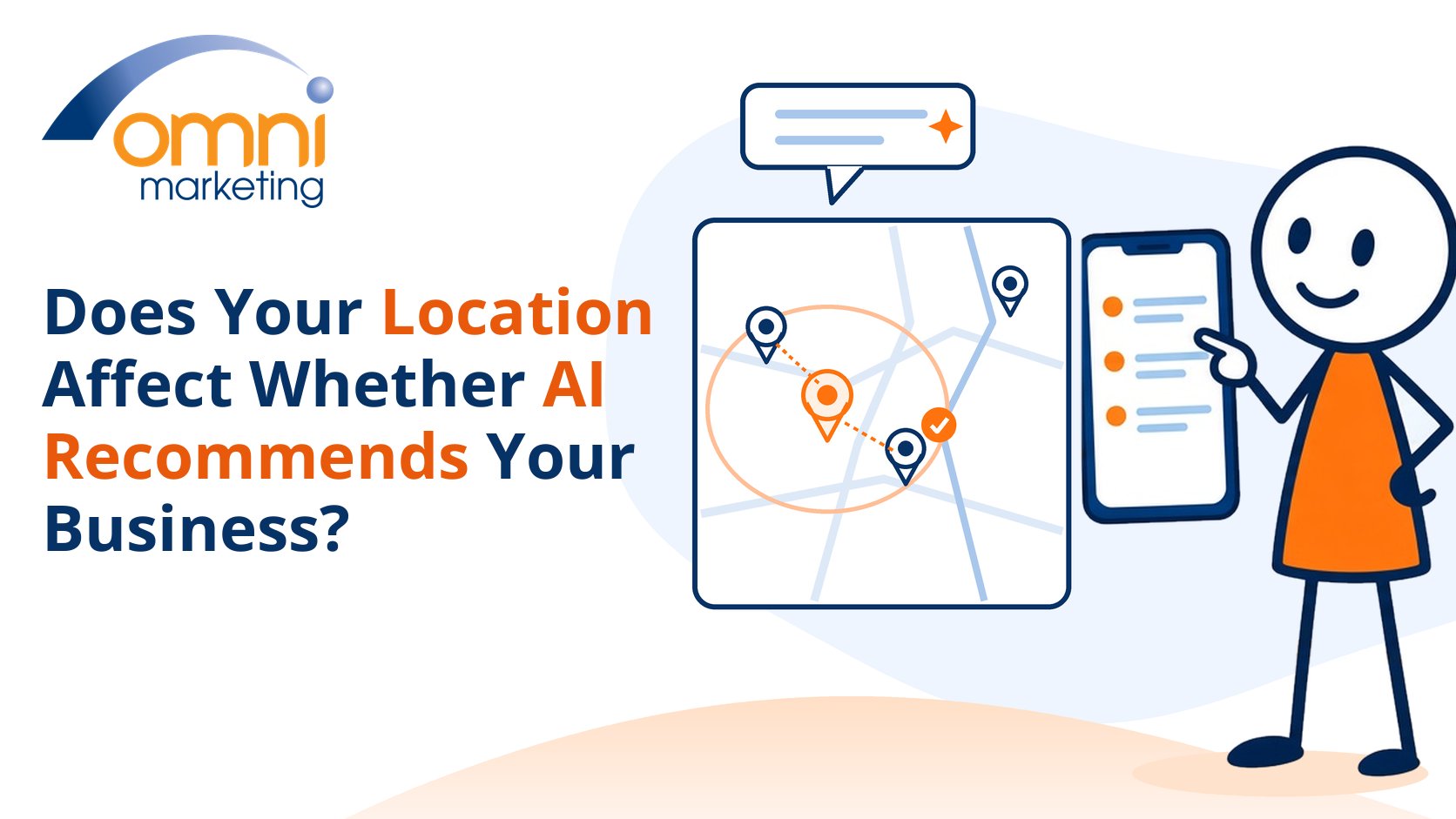
Prefer to watch? This short guide explains how a customer's location and your stated base and coverage can shape which local businesses AI recommends, and how to check whether location is affecting you.
How do AI tools know where a customer is?
Either the customer tells them, or the tool makes an estimate. A question such as "accountant in Swansea" names the place outright. A question such as "good accountant near me" leaves the tool to work it out.
OpenAI explains how ChatGPT does this in its help page on searching the web with ChatGPT. It may use an approximate location based on the customer's internet connection. Sharing a precise device location is optional and switched off by default. That is one reason Google Maps visibility can differ from a ChatGPT local recommendation.
OpenAI gives an example. If someone asks for good restaurants near them and ChatGPT judges they are in the San Francisco area, it may search for "top restaurants San Francisco". So a "near me" question can quietly become a search for a named town.
Google works in a similar way. Its help page on how your location is used when you search covers Search, Maps and Gemini. It says location helps show nearby results even when no place is typed. Google estimates it from several sources, including the device, saved home or work addresses, past activity and the internet connection.
Does the customer's location change which businesses AI names?
For local questions, yes. When a tool knows or estimates where someone is, it looks for results for that place. A customer in one town and a customer twenty miles away can ask the same question and be shown different firms.
Google is clear about this for its own local results. Its Business Profile guidance on how local ranking works says local results are mainly based on relevance, distance and prominence. Distance means how far each business is from the person searching.
That guidance covers Google Maps and Search, not AI answers. Our reading is that when an AI tool draws on local search results or business listings, location is likely to shape its answer in a similar way. Neither Google nor OpenAI publishes exact rules for this.
Location is also only one reason answers differ between people. Account settings, history and wording play a part too, as we explain in whether AI search results are the same for every customer.
Does where your business is based matter?
Yes, because AI tools can only match you to a local question if they can see where you are. If your town, address and service area are vague or inconsistent, you are harder to place.
Google says businesses with complete and accurate information are more likely to show up in local results. It also warns that inaccurate details may stop a profile appearing for relevant searches in its area. Your address, opening hours and business category all help.
The same logic applies to your website. Say plainly which town you are based in, and separately where you accept work. Our guide on how a smaller local business can compete with bigger brands shows why a clear local fit helps. And our article on why accurate local facts matter to AI recommendations explains what happens when those facts conflict.
When a customer does ask, the tool still has to find and trust what it reads about you. Our guide to what happens when a customer asks AI to recommend a local business walks through that process.
Can a business be recommended outside its own town?
It can, but location is not the whole story. Google's local guidance says distance sits alongside relevance and prominence, meaning how well known a business is. Reviews and links from other websites feed into prominence.
Google also says there is no way to request or pay for a better local ranking. A firm based a few miles away can still be the stronger match if it clearly offers the service and is well regarded.
What matters is being honest about where you work. Do not invent branches, a travel radius or towns you do not really serve. Instead, state your genuine coverage area on each service page. We will cover "near me" questions and service-area businesses in more depth in future articles.
How can you check whether location is affecting you?
Test the questions your customers ask, from the places they ask about. A single check from your own office shows one view, not the whole picture.
Name the town or postcode in the question, as OpenAI suggests for better local results. Then repeat it for each town your clients come from. Note the date, the tool, the town and whether you were signed in, so you can compare like with like.
Look for patterns. Do you appear for your home town but not for nearby towns you serve? Is your location described correctly? If you want an outside view, a free AI Visibility Report gives you a dated snapshot of how your business appears.
A practical check
Check how location affects you
- State your base clearly. Show the town you are based in on your website and Business Profile.
- Separate base and coverage. Say plainly where you accept work, without inventing branches or towns.
- Name the town when you test. Ask the same question with each town your clients come from.
- Record the conditions. Note the date, tool, town and whether you were signed in, then compare patterns.
None of this guarantees a recommendation, and anyone who promises one deserves caution. The aim is to make sure AI tools can see clearly where you are and who you serve. Our guide to AI visibility for local businesses shows how the pieces fit together. If you want a clear starting point, request an AI Visibility Report.